Voice AI Receptionist
Ready
Conversation transcript
Available during a call when supported
Electrical
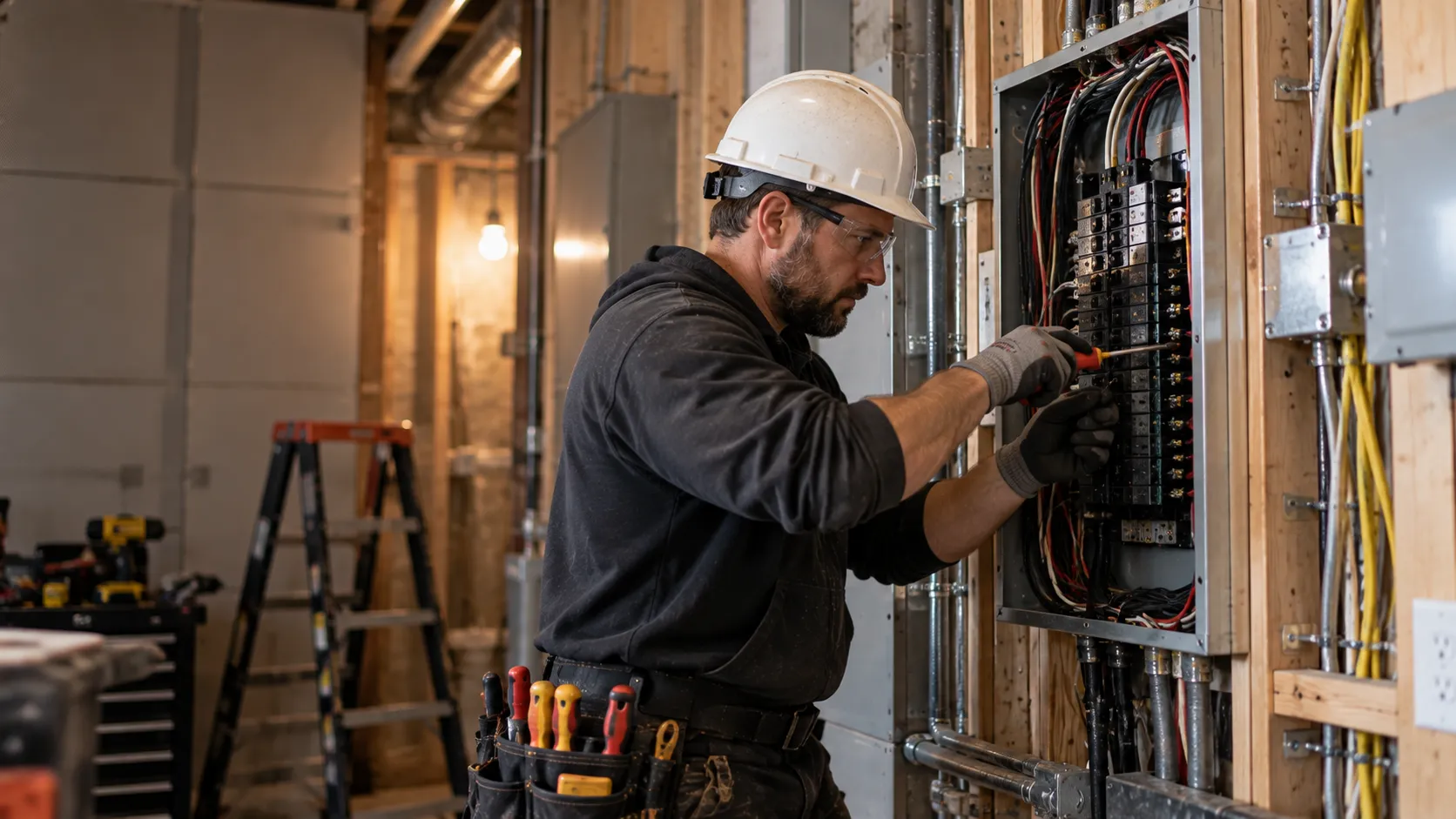
A configured phone receptionist or website assistant could gather details about outlet installations, panel inspections, and requested follow-up for an electrical contractor to review.
Illustrative booking is currently unavailable. No appointment is reserved, and no details are sent to the featured business. Please use sample contact details; real personal information is not required. You’re interacting with AI. Retell processes and stores conversations, and voice may be recorded. Dreams Scale may review them. Please don’t share sensitive information.
Electrical use cases
Possible workflows depend on business-approved information, safety rules, compatible tools, and testing before launch.
Share office-reviewed information about service areas, operating hours, and common project requests.
Gather the requested work, property ZIP code, and a preferred contact method for staff review.
Summarize outlet installations, panel inspection inquiries, and other project details without quoting or confirming work.
Capture a preferred time window for the electrical team to review; it does not indicate appointment availability.
Avoid electrical troubleshooting and route possible hazards to the business’s approved human safety process. Phone, CRM, or calendar connections require separate configuration and testing.
Practical outcomes
Organized requests can help a contractor review project details and decide on follow-up. The examples do not provide electrical advice or confirm an estimate or appointment.
Keep the requested work and service location together for a team member to assess.
Record what the customer is asking for without suggesting that an estimate or visit is confirmed.
Route technical questions and possible hazards to staff under the business’s approved process.
Electrical FAQ
No. It should not troubleshoot electrical hazards or provide repair instructions. A possible hazard should follow the business’s approved safety escalation process.
A configured intake could record the requested project, service location, and preferred contact method for staff review.
The sample only organizes estimate or scheduling requests. A team member must review scope, availability, and next steps; no estimate or appointment is confirmed here.
The assistant should not offer troubleshooting. It can present only safety language approved for the business and route the concern through its tested human escalation process. If someone may be in immediate danger, the customer should move away and contact local emergency services.
That depends on the specific tools and workflow. Any proposed connection requires compatibility review, configuration, and testing before it is described as active.
LET'S TALK
Book a 30-minute strategy call to discuss your goals, explore practical AI solutions, and plan the next steps.
30 minutes Zoom meeting
Book a Call (opens in a new tab)